Fagor 8055: common failure modes and the modules that fix them
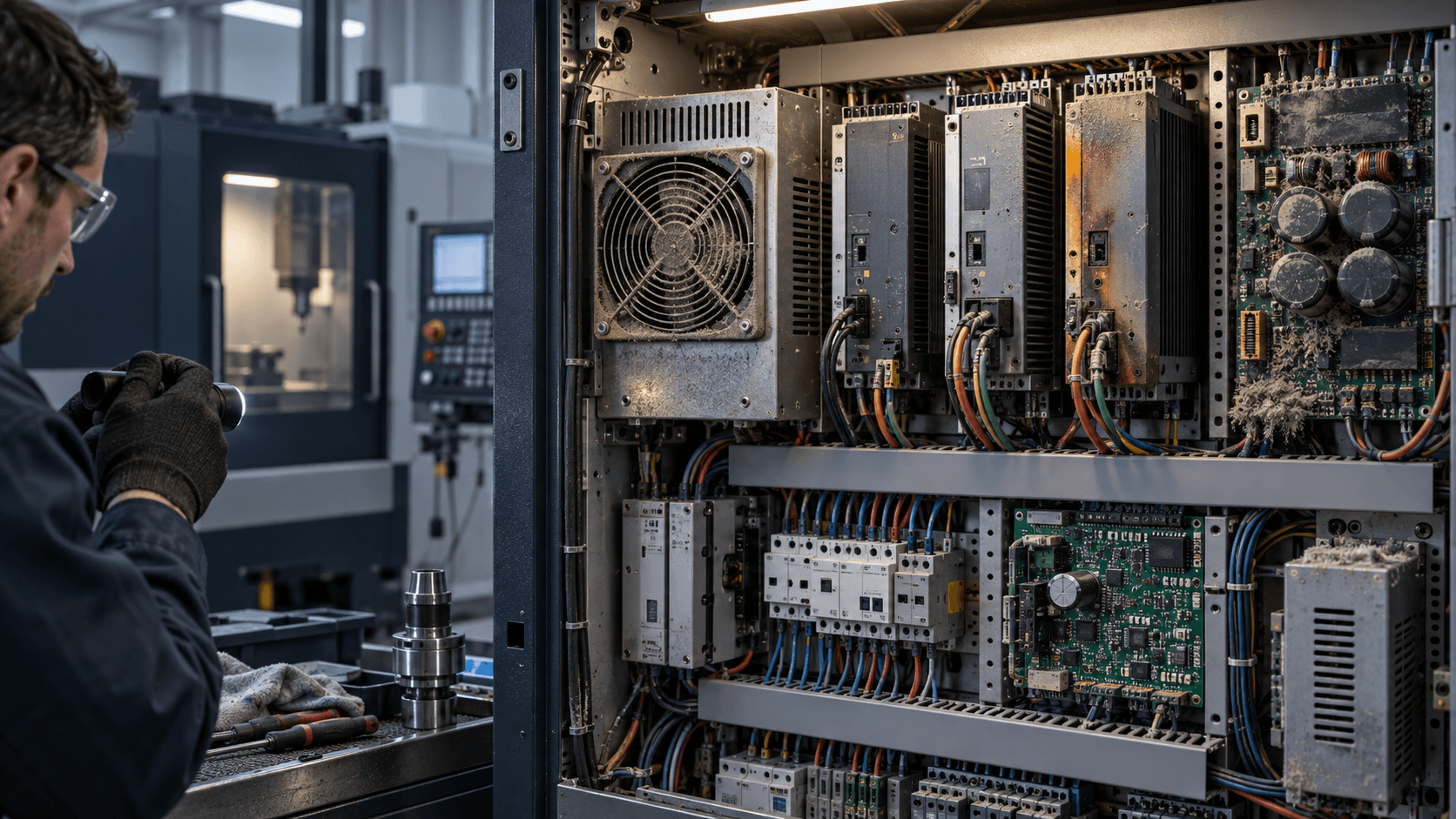
The 8055 is modular, which is good news for repair: most faults resolve to one card in the rack rather than to the whole control.
How the control is put together
The Fagor 8055 family is a modular CNC built around a card rack. In broad terms the rack holds a CPU module, one or more axes modules handling servo command and feedback, an input/output module for the machine interface, and a power supply feeding the rack — with a monitor or integrated display and a keyboard/operator panel on the front.
Different 8055 variants (including the later Power series) differ in processing hardware and in which functions are integrated versus carded, so the module inventory in your specific machine is whatever is physically in the rack. Before ordering anything, open the cabinet and write down every module's own part number from its own label. Do not order from the control model alone.
That modularity is the practical advantage of this family over more integrated controls: a fault that would condemn a single-board control is usually one replaceable card here, and the cards are still findable on the used and NOS market.
Symptoms and where they usually point
A control that will not start at all, or that starts intermittently and drops out under load, points first at the power supply module and its output rails — and at the mains side feeding it. Check the supply before condemning anything downstream; a marginal rail causes symptoms all over the rack.
Lost parameters, lost PLC program, or a machine that comes up asking to be re-initialised after a weekend off, points at memory retention: the backup battery and, on units that use them, the memory card or memory module. Batteries are consumables and are the cheapest thing in this article to rule out.
Axis faults — following errors, an axis that will not enable, feedback alarms on one axis only — should be split between the axes module, the feedback device and its cable, and the drive itself before you buy anything. Swapping the suspect axis's connections to a spare channel, where the machine's configuration allows it, is the fastest way to tell whether the fault travels with the card or with the axis.
Display faults, dead pixels, backlight failure and unresponsive keys are monitor and operator-panel problems rather than CPU problems, and are quoted as such. On machines of this age, CRT-to-LCD conversion is a common route where original display hardware has become scarce.
Back up before you touch the rack
Machine parameters, the PLC program, tool tables, leadscrew compensation and any custom screens are what make your machine yours. Get them off the control and onto something durable before you swap a module — and verify the backup is readable, not merely that the transfer reported success.
If the control is too far gone to produce a backup, say so in your quote request. It changes what you need: not just a working module, but help getting a machine back to a configured state, and possibly the machine builder's original data if it can be traced.
Ordering the right module
Send the module's own part number, the 8055 variant, the machine builder and model, the symptom, and the alarm text the control showed. Photograph the whole rack with the module labels legible — it lets a supplier confirm the rack configuration and catch a mismatch that a single part number would hide.
Where a card is no longer produced, used and NOS stock is generally the route, and it is worth asking whether a repair-and-return option exists for your specific card. On modular controls of this age it often does, and it keeps your original configuration hardware in the machine.